





Yes, different sports drain smartwatch batteries in very different ways. Running, hiking, gym training, and swimming do not stress a watch the same way. That is why battery life feels great in one sport and terrible in another.
What drains battery is not the sport itself. Battery drops fastest when GPS stays on for a long time, sensors keep working in the background, and the screen lights up again and again during a session.
This guide breaks down those battery drains and shows how to manage them in real training. It also helps you spot the settings and hardware traits that separate a casual tracker from a proper sports watch.
The Three Things That Drain Battery During Workouts
All sports battery drain comes from three sources: GPS, sensors, and the screen.
GPS is the biggest power draw. Industry testing from GPS chipset vendors shows continuous GPS tracking can consume several times more power than idle use.
Heart rate and motion sensors come next. During workouts, these sensors run nonstop instead of checking once every few minutes.
The screen is the silent drain. Always-on display, frequent wrist raises, and workout stats all add steady power loss.
Also Read: 7 Tips to Extend the Life of a Military Style Watch
Tip: If battery life feels short, look first at GPS time and screen behavior. Apps and notifications matter far less during sports.
Why Battery Life Looks Different Across Sports
Battery life changes by sport because sports use different battery loads.
Some sports are GPS-heavy. Some are time-heavy. Others are screen-heavy.
Running for 45 minutes with GPS is not the same as hiking for six hours with GPS. Gym training may use no GPS at all, but the screen wakes dozens of times.
What this means in real use: A watch can look “amazing” in daily wear and still struggle in certain workouts. That is not a lie in the specs. It is just that the watch is doing different jobs. GPS tracking is like leaving a “power faucet” open the whole time. Screen wake-ups are like turning on a light again and again. Long hikes combine both for hours.
Tip: Do not judge battery life by workout type alone. Judge it by duration, GPS use, and how often you check the screen.
GPS-Heavy Sports: Running and Cycling
For running and cycling, battery life depends on GPS time and accuracy.
These sports keep GPS active the entire session. That constant satellite tracking is the main drain.
High-accuracy GPS modes draw more power. So does checking pace and distance often during the workout.
A key detail people miss: GPS drain is not only “on or off.” It is also how hard GPS is working. In open areas, GPS locks fast and stays steady. In cities, near tall buildings, or under trees, GPS works harder to keep a clean track. That can increase power use and also makes the watch refresh data more often.
Another battery trap: music, maps, and sensors stack. If you run with music on the watch, live pace screens, and constant heart rate, you are running several systems at once. That is why the same “45-minute run” can drain very different amounts depending on how you use the watch.
From real-world use, a watch that feels “long-lasting” in daily wear can drop fast when GPS runs every day.
Tip: For frequent runs or rides, keep GPS accuracy consistent and avoid extra screen wake-ups. Do not switch modes mid-workout unless needed.
Long-Duration Sports: Hiking and Trail Days
Hiking drains battery because it lasts a long time, not because it is intense.
Trail activities keep GPS active for hours. Even at low pace, long exposure adds up.
Cold weather and high altitude can also reduce battery efficiency. This is widely documented in lithium battery behavior.
Why hiking hurts battery more than people expect: the watch is often doing “quiet work” for a long time. GPS stays on. The watch saves the track again and again. If you use navigation, it may keep checking your path. That is a lot of steady drain over many hours.
Cold is the biggest sneaky factor: your battery may drop faster in winter even if your settings are the same. The watch may also dim or limit performance to protect itself. If you start a hike with a lower battery, the drop can feel sudden.
The biggest mistake on hikes is wasting power on screen brightness and constant checks.
Tip: On long outdoor days, protect GPS tracking first. Reduce screen wake frequency and keep brightness moderate.
Screen-and-Sensor Heavy Sports: Gym, HIIT, and Team Games
Indoor and interval sports drain battery through screen use and sensor spikes.
Heart rate changes fast in HIIT and strength training. Sensors work harder to keep readings stable.
Many users also raise their wrist often to check time, reps, or rest intervals.
This creates frequent screen activation, which adds steady drain even without GPS.
What “sensor spikes” means in practice: in HIIT, your heart rate can jump and drop quickly. The watch tries to keep up, so it checks more often and cleans up messy signals. Sweat, wrist movement, and tight grips can also make readings harder. When the signal is harder, the watch works more.
Screen habits matter a lot in the gym: a quick glance feels small, but 60–120 screen wakes in one session is real battery use. Add always-on display, and you are paying a constant screen cost on top of that.
Tip: Turn off unnecessary wrist wake and rely on vibration alerts instead of screen checks during sets.
A Practical Battery Strategy for Sports Tracking
Good battery life comes from matching settings to the sport.
For GPS training days, keep GPS and heart rate on, but limit notifications and screen wake.
For long outdoor sessions, focus on tracking reliability. Reduce brightness and avoid always-on display.
For gym and HIIT sessions, control screen activation and background auto-detection features.
The simple rule: protect the feature you actually need for that sport. For running, you need stable GPS and readable pacing. For hiking, you need “hours of tracking” more than a bright screen. For gym work, you need reliable heart rate and clean timers, not a screen that wakes every time you move.
A good setup habit: build 2–3 sport profiles that you trust, then stop changing things mid-workout. Most battery problems come from stacking extras: high brightness, lots of notifications, always-on display, music, and “max accuracy” GPS all at once.
Tip: One sport profile rarely fits all. Battery stability improves when each sport has its own setup.
Battery-Focused Watch Picks by Sport and Training Load
These recommendations focus on battery reliability under real sports use.
| Training Load | KOSPET Watch Recommendation | Why It Fits |
|---|---|---|
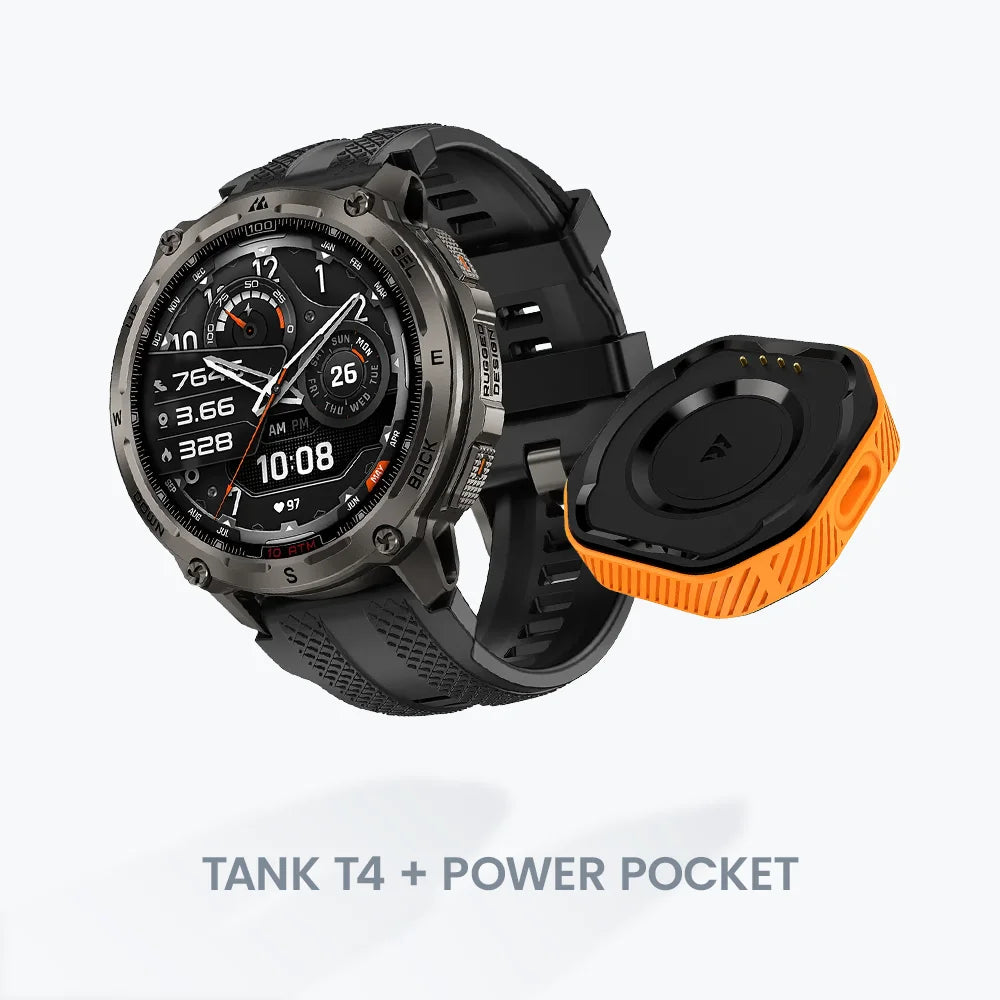
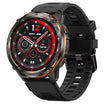
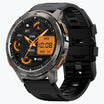
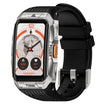
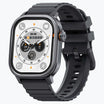
| Frequent GPS Running & Cycling | KOSPET TANK T4 | Stable GPS performance and strong endurance for repeated outdoor workouts |
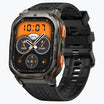
| Long Outdoor Hiking Sessions | KOSPET TANK M3 Ultra | Designed for long-duration tracking with reliable outdoor battery behavior |
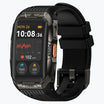
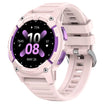
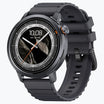
| Gym, HIIT, and Mixed Training | KOSPET MAGIC R10 / MAGIC P10 | Balanced battery use with efficient screen and sensor management |
Conclusion
Different sports drain smartwatch batteries in different ways.
GPS time, workout length, and screen behavior matter more than brand claims.
When battery expectations match your sport, a smartwatch becomes reliable instead of frustrating.
FAQ
Which sport drains smartwatch battery the fastest?
Sports that use GPS for long periods, such as hiking and cycling, drain battery the fastest. Continuous GPS tracking uses far more power than sensors or screen use alone.
Why does my smartwatch battery drop faster during workouts?
Battery drops faster because GPS, heart rate sensors, and the screen run continuously during workouts. These features stay active for the whole session instead of working in short intervals.
Does turning off GPS really improve battery life for sports?
Yes, turning off GPS greatly improves battery life when location data is not needed. Indoor training and gym workouts often record well without GPS and save significant power.




Leave a comment
All comments are moderated before being published.
This site is protected by hCaptcha and the hCaptcha Privacy Policy and Terms of Service apply.