



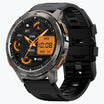
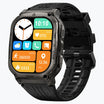
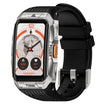
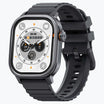
Physical buttons are the most reliable tool for cycling tracking because they work in any weather and offer safe control at high speeds. While touchscreens offer great convenience for maps, the mechanical certainty of a button ensures your training data remains accurate and your focus stays on the road.
A modern sports watch for cycling should prioritize these physical controls to meet the real needs of a rider.
Physical Buttons Provide a Reliable Connection for Every Command
Physical buttons provide a steady connection between the rider and the watch because they rely on mechanical pressure instead of electrical signals from your skin. Research shows that haptic feedback reduces error rates by forty percent compared to flat glass surfaces. This clear click allows for blind operation where you can switch data screens without ever looking at your wrist.
Most user prefer buttons because they provide a clear physical response that confirms the watch recorded a lap. You can rely on this mechanical connection when your heart rate is high and your hands are shaking from a long climb. Buttons work the same way every time you press them which gives you total certainty during your workout.
Touchscreens Offer Superior Efficiency for GPS Navigation and Maps
Touchscreens are the most efficient tool for map interaction because they allow you to move digital maps with a single finger swipe. Moving a map using only buttons is a slow process that requires many clicks to shift the view just a few inches. Modern GPS navigation systems on watches now mimic the smooth feel of a smartphone to help you find your way.
This map interactivity lets you zoom in on a street corner or check a trail fork in less than a second. It is the best way to explore new routes or find a coffee shop during a long weekend ride. Scrolling through menus is also much faster when you can flick your finger up or down to find the right setting.
Rain and Sweat Turn Touchscreens Into a Major Safety Risk
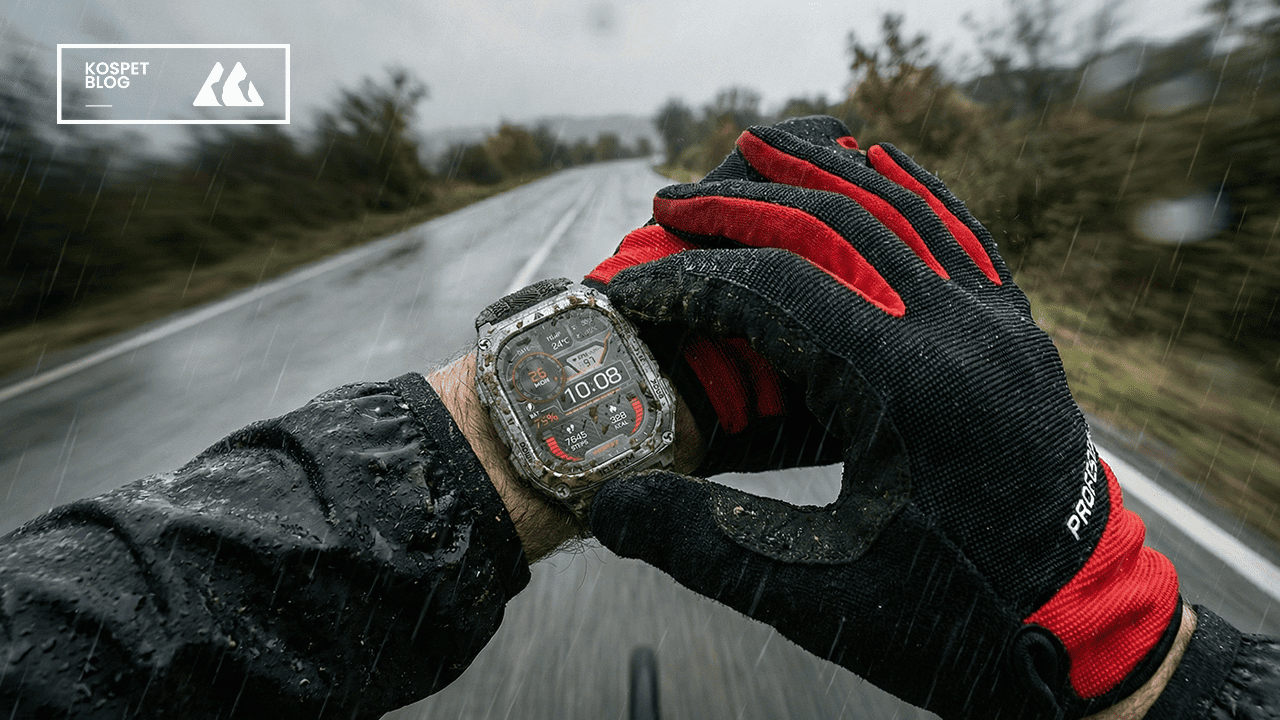
Water and sweat create electrical interference on touchscreens that causes the watch to record fake touches. This problem happens because water conducts electricity and tricks the capacitive sensors under the glass into thinking a finger is pressing the screen. Technical reports on capacitive sensing and moisture explain how liquid creates an electrical bridge that stops the screen from working correctly.
This often leads to ghost touches where the watch might delete your workout or pause your timer without your permission. Physical buttons solve this issue because they are immune to moisture and work perfectly in a heavy downpour. You never have to worry about your watch acting on its own when the weather gets messy or your arms are covered in sweat.
Thick Cycling Gloves Block the Signals Needed for Touchscreens
Thick cycling gloves act as an insulator and block the electrical charge needed to operate a touchscreen watch. Most winter gear uses layers of fabric or leather that prevent the screen from recognizing your touch at all. You are often forced to stop your bike and use your teeth to pull off a glove just to check your speed or change a song.
Buttons are large and raised so you can find them easily through the thickest winter padding. Using a button heavy watch allows you to maintain a steady rhythm and keep your hands warm in freezing temperatures. You can apply enough pressure to click a button even when your hands are numb from the cold.
Buttons Improve Your Safety by Reducing High Speed Distraction
Using buttons is much safer than using a touchscreen because it lowers the time your eyes spend away from the road. Studies on distracted driving and manual interfaces show that looking at a screen for just two seconds increases the risk of an accident. When you use a touchscreen, you must look at the watch to aim your finger at a small icon.
A button allows you to use your sense of touch to navigate the device while your vision stays on the traffic ahead. This lowers your cognitive load and ensures you stay safe during fast descents or crowded city commutes. You can keep your eyes on the path and your hands on the bars while still controlling your watch.
The Kospet Tank M4 Combines Rugged Power with Dual Controls
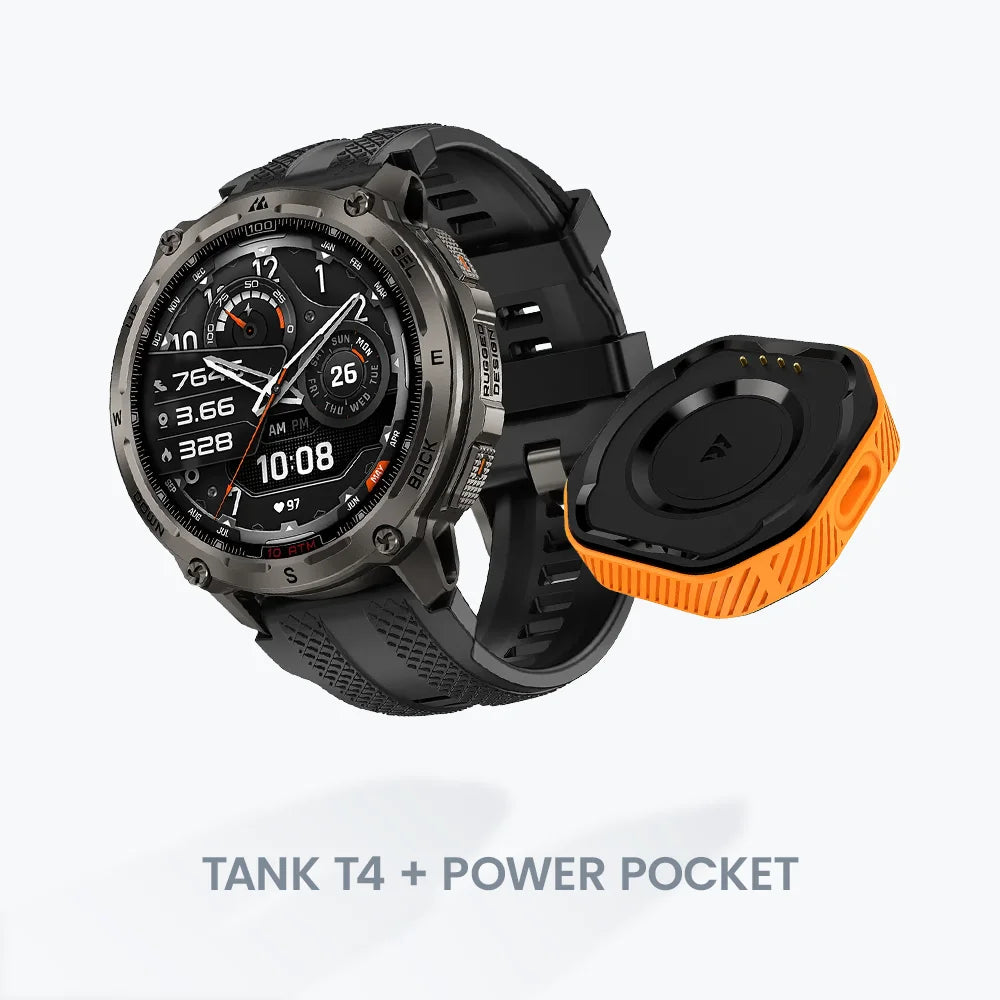
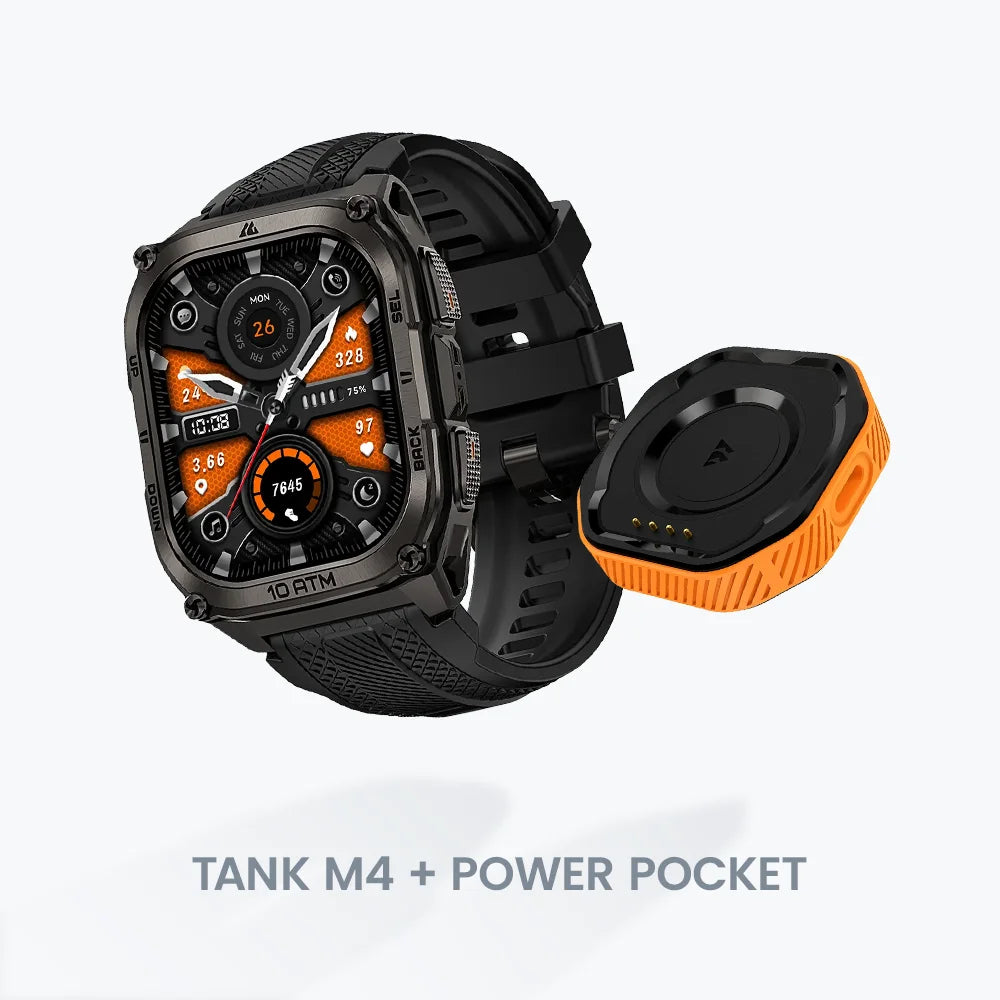
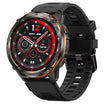
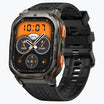
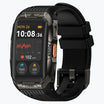
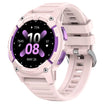
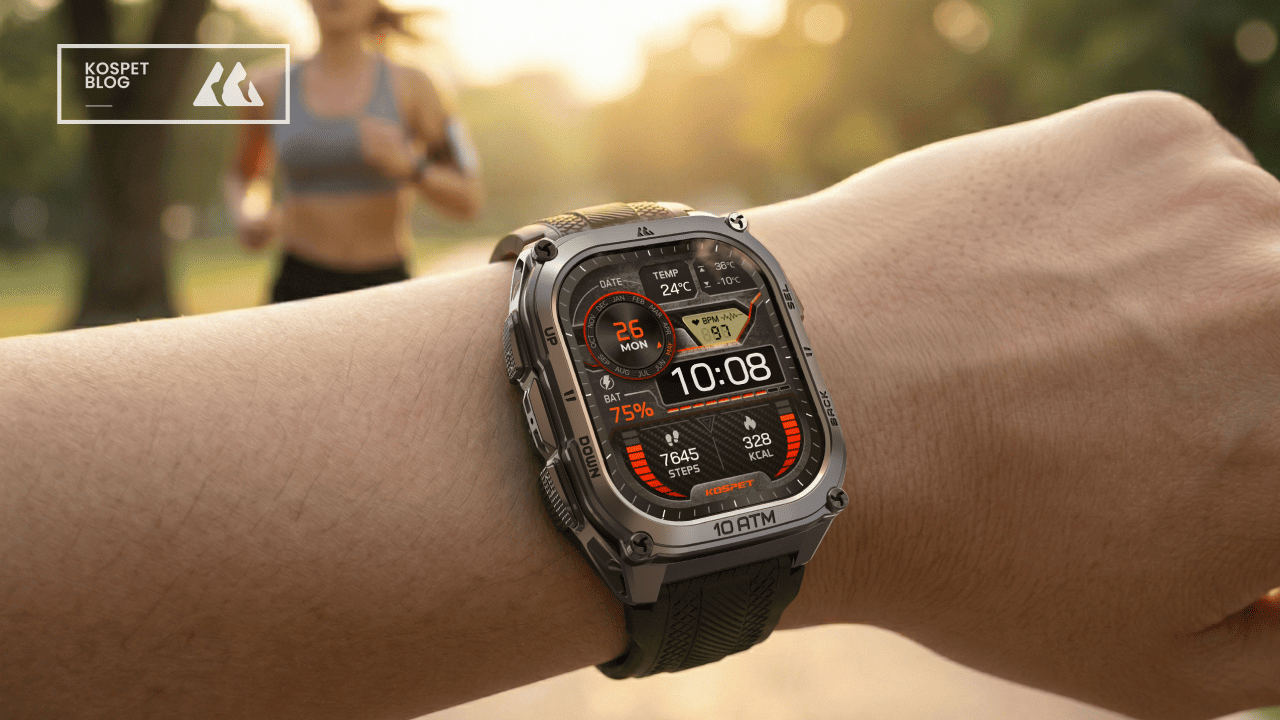
The Kospet Tank M4 is a leading example of a watch that combines a bright touchscreen with durable physical buttons for outdoor sports. It is built to survive crashes and extreme conditions which makes it a very reliable partner for any trip. This dual control design ensures that you have the speed of a screen for maps and the reliability of buttons for tracking.

- Military Grade Durability: The watch meets high standards for shock and vibration to survive rough mountain bike trails.
- High Brightness Display: A large AMOLED screen stays visible under direct sunlight so you can read your speed clearly.
- Stainless Steel Buttons: Dual side buttons provide a firm click and work perfectly even when covered in mud.
- Extreme Water Resistance: The 10ATM and IP69K rating means the watch handles heavy rain and high pressure water.
- Long Battery Life: A high capacity 500mAh battery keeps the GPS tracking active for several days of riding.
Conclusion
The best way to track your cycling is to use a watch that offers both a touchscreen and physical buttons for maximum versatility. This setup gives you the perfect tool for every situation whether you are navigating a new city or racing in the rain. You will get the most accurate data and the safest ride by choosing a watch that respects the different needs of a cyclist.
FAQs
Why does my watch screen stop working when I sweat?
Sweat conducts electricity and creates a bridge on the glass that confuses the sensors and stops them from recognizing your finger.
Is a touchscreen or a button watch better for mountain biking?
Buttons are much better for mountain biking because the heavy vibrations make it impossible to touch a screen accurately while riding.
Do I need special gloves to use a touchscreen watch in the winter?
You must buy gloves with conductive fingertips to use a touchscreen or you will have to take your gloves off to use the watch.


Leave a comment
All comments are moderated before being published.
This site is protected by hCaptcha and the hCaptcha Privacy Policy and Terms of Service apply.