



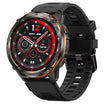
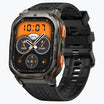
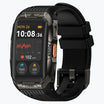
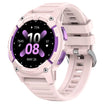
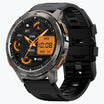
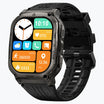
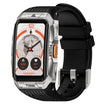
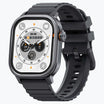
Pace spikes on a sports watch for running occur because satellite signals often bounce off surfaces or face temporary interruptions that confuse the device about your actual location.
These sudden jumps in speed on your screen do not mean your watch is broken. Instead, the computer inside your wrist device is making a best guess based on messy or blocked information.
These glitches happen when the signal from space takes a wrong path or encounters physical obstacles in your environment. Understanding these technical reasons helps every runner trust their training data and choose the right equipment for their specific routes.
Understanding How Your Sports Watch for Running Tracks Distance
A sports watch for running relies on a massive network of satellites to determine your exact position on the Earth. These satellites orbit high above the planet and send out constant time signals that your watch receives.
Your watch acts as a listener that needs signals from at least four different satellites to work correctly. By measuring the time it takes for a signal to travel from space to your wrist, the watch calculates your distance from each satellite.
This mathematical process is known as trilateration. The watch performs this calculation every single second to plot your path as you move.
When the signals are clear and travel in a straight line, your pace remains steady on the display. High-quality devices use these calculations to create a map of your run that should match the actual roads you followed.
Environmental Factors Causing GPS Signal Interference
Tall buildings and heavy tree cover cause a common problem called multipath error which leads to major pace fluctuations during a workout. A satellite signal is a radio wave that travels through the atmosphere at the speed of light.
In a perfect world, that wave travels directly to your watch without hitting anything. In a city with many skyscrapers, that signal often hits a glass wall or a concrete roof and bounces before it finally reaches you.
This bounce adds a tiny amount of extra distance to the signal path. Because the watch thinks the signal traveled a longer distance, it concludes that you are in a different spot than your actual location.
When the watch suddenly corrects this mistake a moment later, it appears as though you jumped several meters forward instantly. This creates a fake speed burst known as a pace spike.
You can read more about how urban canyons affect GPS accuracy in official satellite navigation reports.
Choosing a Sports Watch for Running That Minimizes Pace Spikes
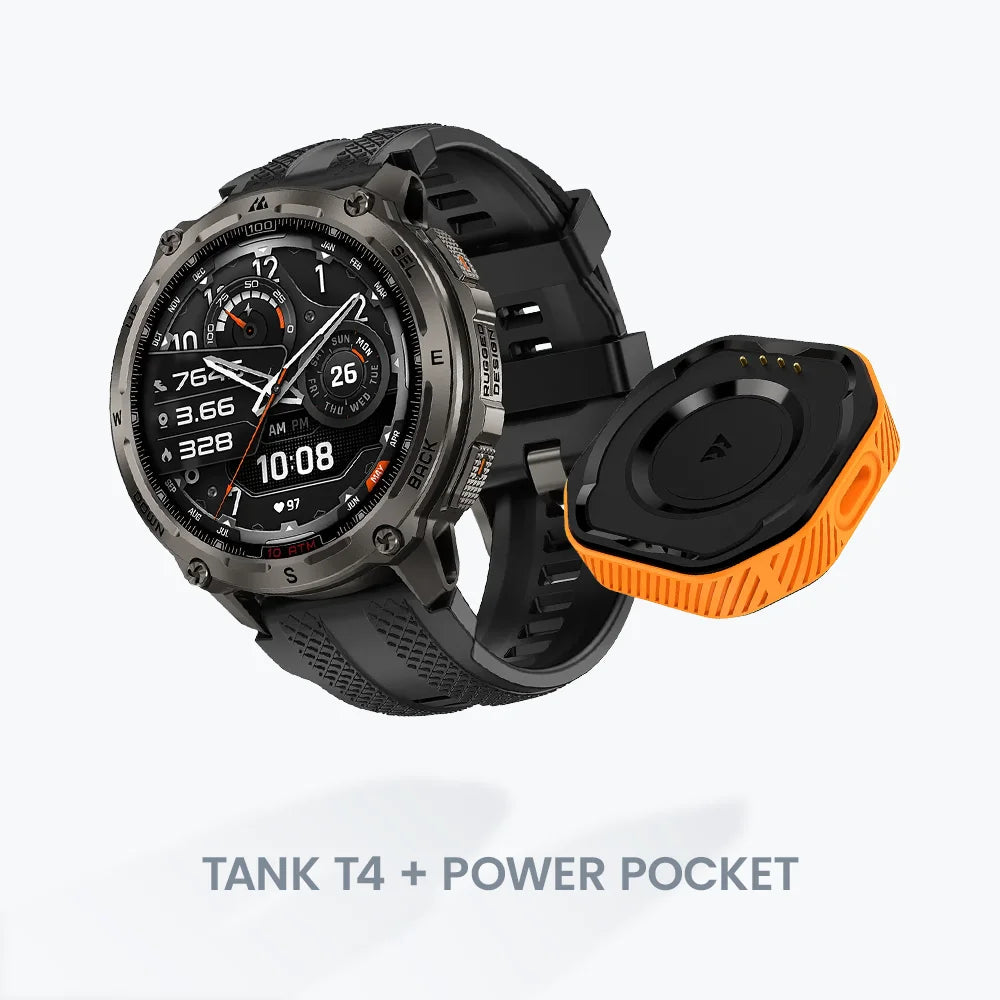
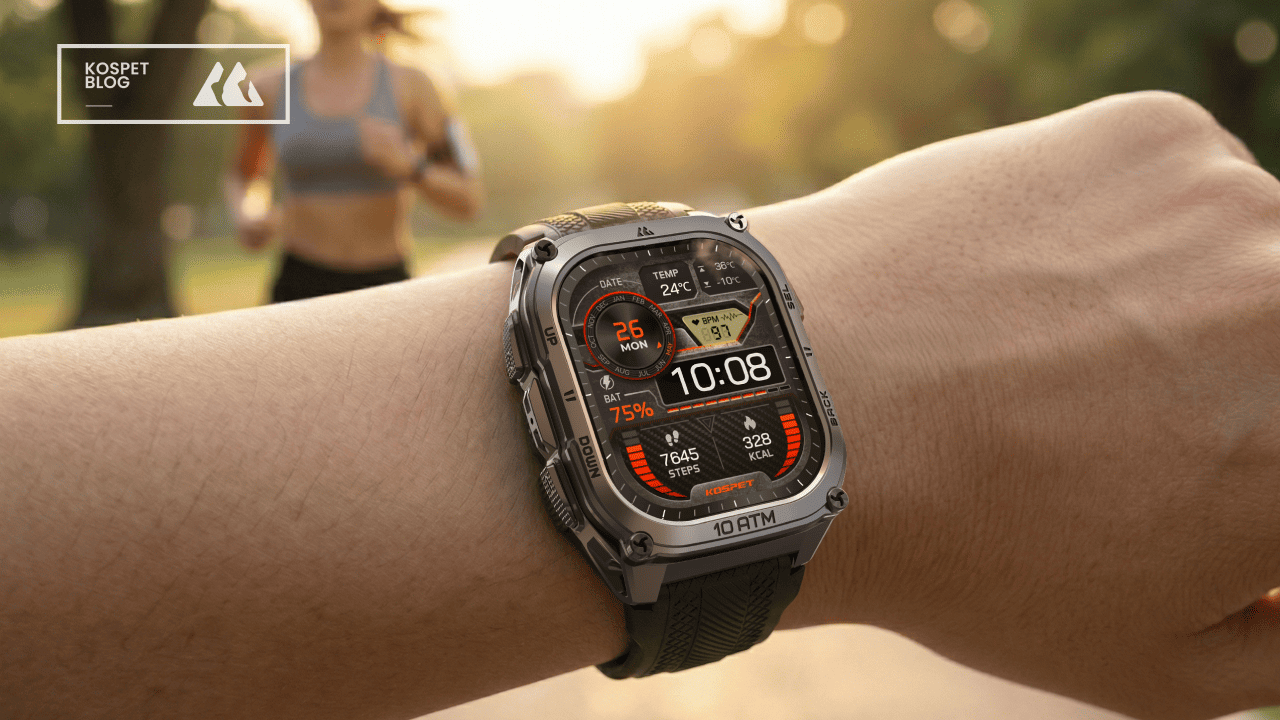
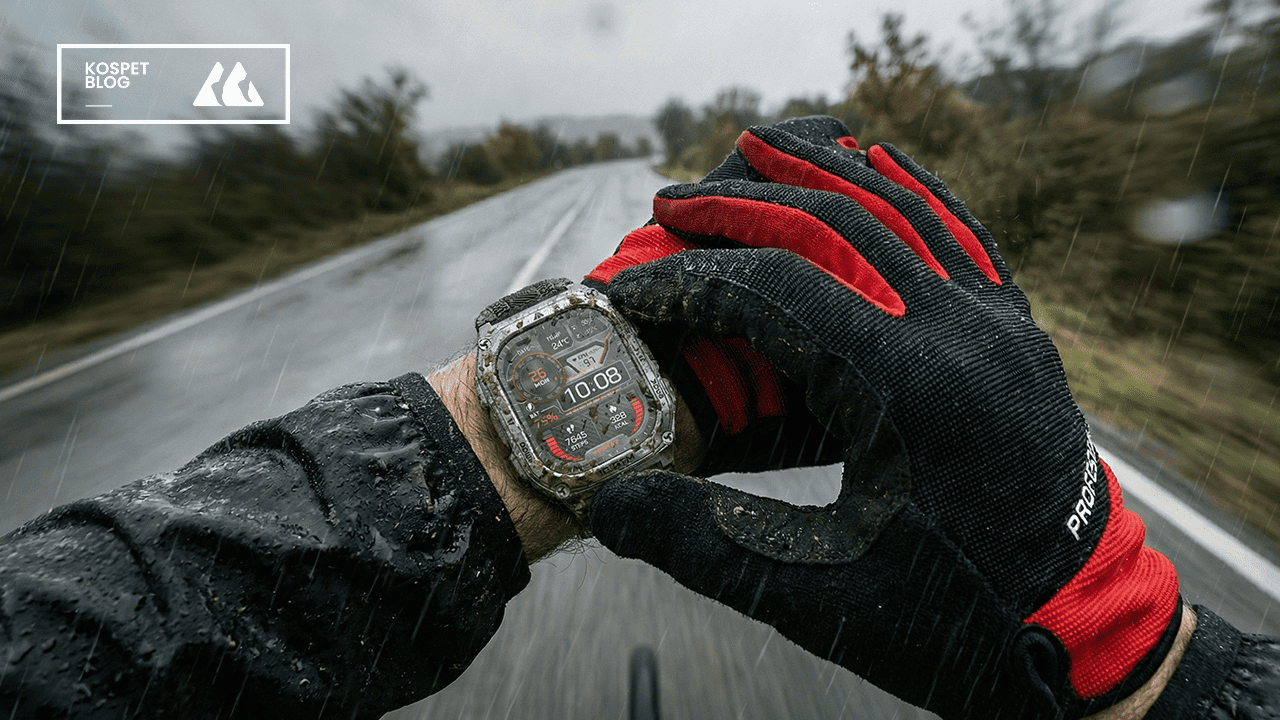
The KOSPET TANK T4 solves these common data problems by using a dual-frequency system that listens to two different types of signals at the same time. Most standard watches only listen to the $L1$ signal frequency which is easily blocked or bounced by obstacles.

The KOSPET TANK T4 adds a second frequency called L5 to the mix. The L5 signal is much stronger and more sophisticated than the older version.
| Feature | Standard Sports Watch | KOSPET TANK T4 |
|---|---|---|
| GNSS Type | Single-Band L1 | Dual-Band L1 and L5 |
| Accuracy | Moderate in cities | High in all environments |
| Durability | Standard Plastic | Rugged Stainless Steel |
| Signal Filter | Basic Software | Advanced OPDR Algorithm |
By comparing the L1and L5 signals, the KOSPET TANK T4 can identify which signal is a reflected bounce and which one is the true direct path.
This hardware feature makes the TANK T4 a very reliable sports watch for running in difficult areas like dense forests or downtown streets.
The rugged design of this specific watch also includes a high-quality antenna that captures weak signals better than a typical thin smartwatch. You can check the KOSPET TANK T4 technical specifications to see how it handles extreme outdoor conditions.
Hardware and Software Impact on Pace Tracking Accuracy
Internal motion sensors inside your watch act as a vital backup system when the sky is completely blocked by a bridge or a tunnel. Every modern sports watch for running contains a small chip called an accelerometer.
This sensor measures the actual swinging motion of your arm and the impact of your feet hitting the ground. When the GPS signal disappears for a moment, the watch switches to a method called dead reckoning.
It uses your previous speed and your current arm rhythm to estimate how fast you are moving. Better watches have smarter algorithms to bridge these gaps without creating a massive jump in the data.
This is why a high-quality watch shows a smooth line on a map even when you run through a dark underpass.
Practical Tips to Improve Data Reliability During Your Runs
Users can prevent many data errors by allowing the watch to perform a GPS soak before the workout begins. Many runners make the mistake of pressing the start button the very second the watch shows a green signal.
The watch needs extra time to download the full map of satellite positions for that specific day. Standing still allows the watch to lock onto more satellites and creates a much stronger connection.
- Wait for the Soak: Stand still for sixty seconds after the signal is found.
- Sync Regularly: Connect to your phone app to update EPO and satellite almanac data.
- Check the Space Weather: Be aware that heavy solar storms can occasionally cause errors by disturbing the Earth's ionosphere.
- Adjust Watch Settings: Use one-second recording intervals instead of smart recording.
This simple habit prevents the watch from drifting during the first mile of your run. A stable connection from the very beginning ensures that the calculations remain consistent throughout the entire session.
Conclusion
Pace spikes are a natural part of using satellite technology but choosing the right hardware and following good habits makes them very rare. Devices like the KOSPET TANK T4 prove that modern engineering can overcome most environmental challenges.
You should focus on your average pace over a full mile or kilometer rather than stressing about a single second of weird data. Technology is a tool to help you track your progress over many weeks and months.
As long as the overall trend of your fitness is moving in the right direction, a few small jumps on a graph do not change the quality of your hard work.
FAQs
Why is my average pace accurate even if the instant pace shows spikes?
Your watch calculates average pace by dividing the total distance by the total time. While a small signal bounce creates a temporary jump in speed, the overall distance usually remains close to the truth. Most watches also perform a cleanup of the data once you finish the run to remove these small errors from your final map.
Does rain or thick cloud cover cause pace spikes on a sports watch for running?
Standard weather like rain and clouds has almost no effect on the radio waves coming from satellites. Significant errors usually come from solid objects like concrete buildings or dense wet leaves in a forest. The only atmospheric event that truly disrupts the signal is a solar storm which alters the behavior of the ionosphere high above the earth.
Can I use a KOSPET TANK T4 for indoor treadmill running accurately?
A sports watch for running uses its built-in accelerometer to track movement when a satellite signal is unavailable indoors. The watch measures the rhythm of your arm swing to estimate your treadmill speed. For the best accuracy on a treadmill, you should calibrate the watch after your first few indoor sessions to match the distance displayed on the machine.



Leave a comment
All comments are moderated before being published.
This site is protected by hCaptcha and the hCaptcha Privacy Policy and Terms of Service apply.